Convert images to WebP
without the bloat.
Drop in JPGs or PNGs and get optimized WebP files in seconds. No uploads, no limits, no sign-up — just faster images for the web.
Drag images here
or click to browse — JPG, PNG, or a whole folder
Select files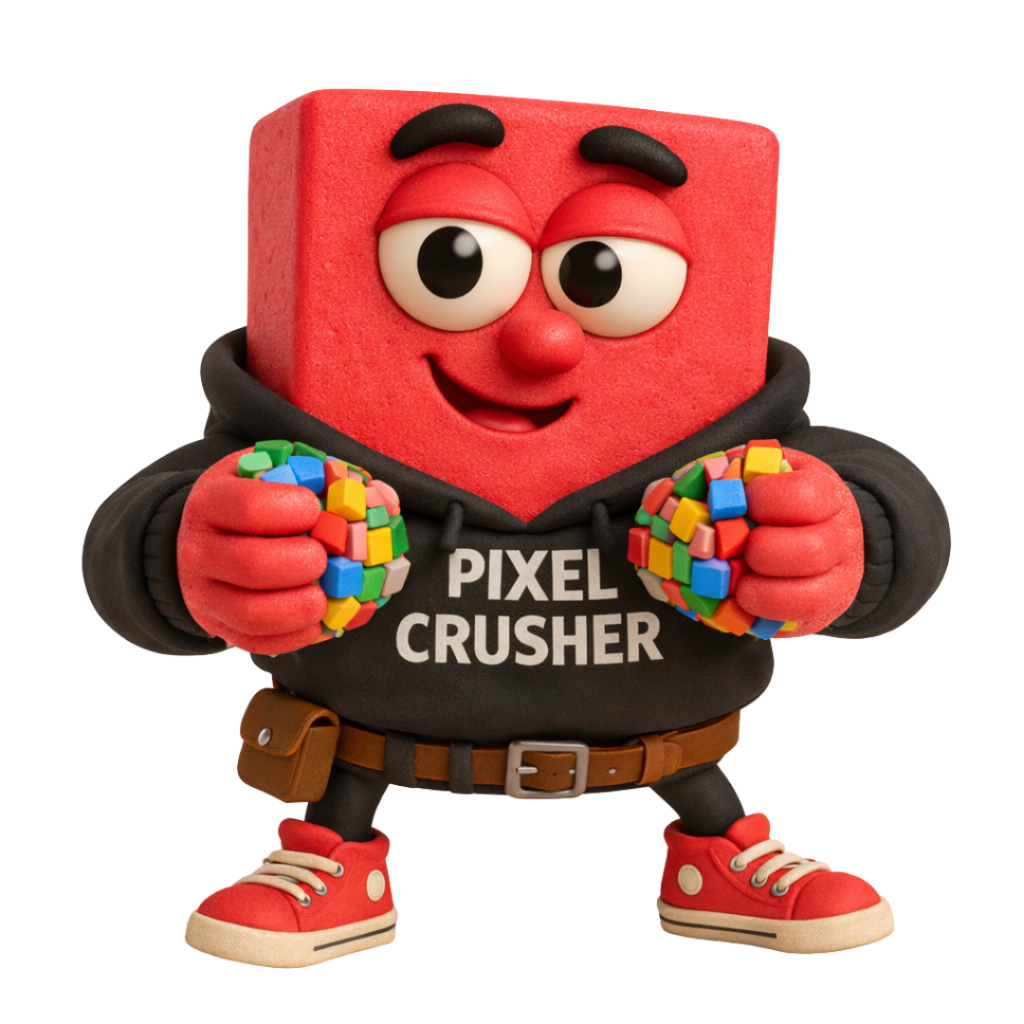
Every share keeps this tool free
The more it's shared and used, the more I can justify keeping it running. Tell a designer, a dev, or your team.
Why I built this free WebP converter
Hi, I'm Chris from Pixelbricks Design in London. As a web designer, I was constantly hitting upload limits on other WebP converter tools. I needed something fast, unlimited, and private for my client projects.
So I built this tool for myself. No restrictions, no waiting, no data leaving my computer. It worked so well that I decided to make it free and public for other designers and developers who face the same frustration.
Everything happens in your browser — your images are never uploaded to any server. It's completely private, completely free, and there are no limits. Use it as much as you need.
Advertisement
Useful tools for web designers
Tools we personally use and recommend — tried, tested, and trusted in our day-to-day design work.
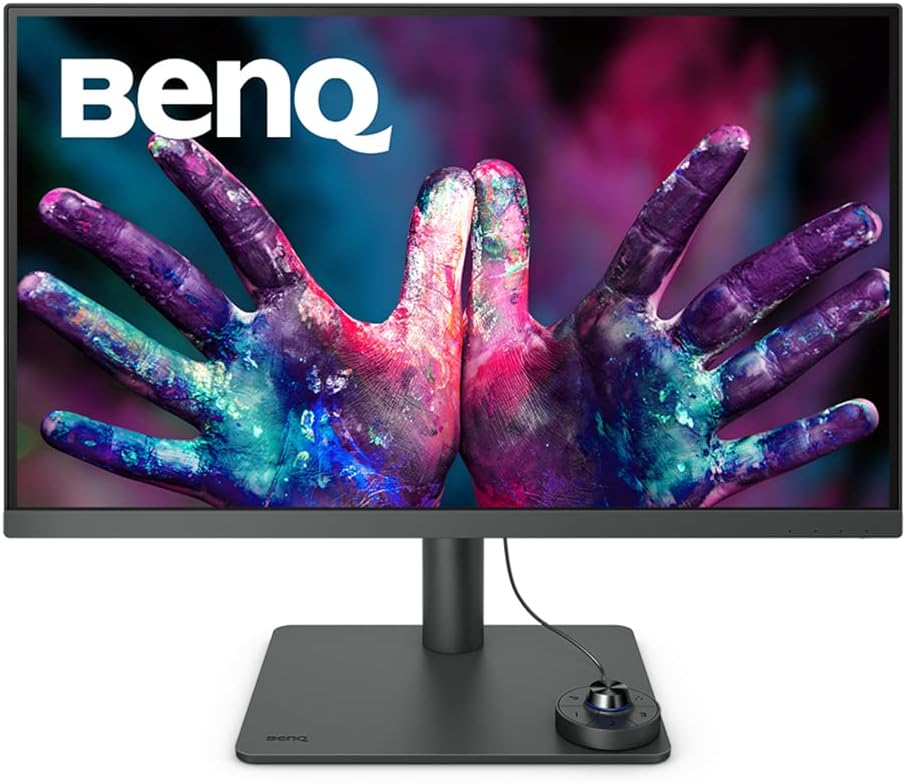
Recommended Monitor
BenQ Designer Monitor
4K colour-accurate display, IPS panel, factory calibrated.
#ad · As an Amazon Associate we earn from qualifying purchases.
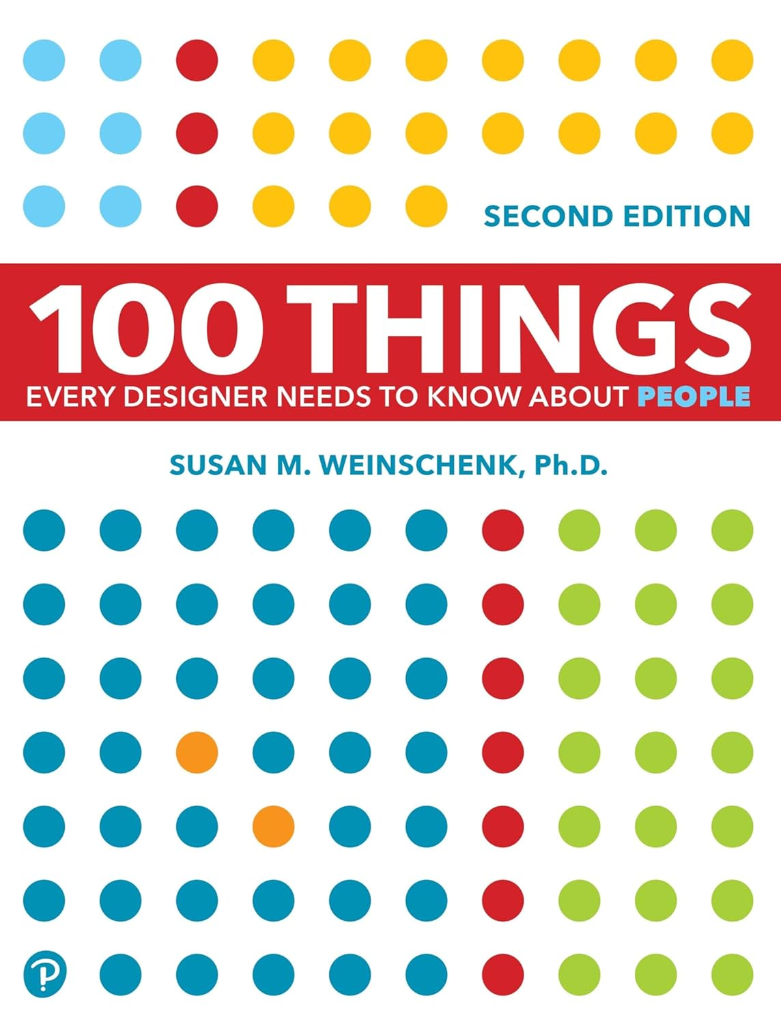
Recommended Reading
100 Things Every Designer Needs to Know About People
By Susan M. Weinschenk, Ph.D. — Psychology-backed design principles.
#ad · As an Amazon Associate we earn from qualifying purchases.

Recommended Web Hosting
Host your websites with SiteGround
Fast, reliable hosting trusted by web designers & developers worldwide.
#ad · This is a referral link. We may earn a reward if you sign up.

Recommended Form Builder
Build beautiful forms with Paperform
The most design-friendly form builder for web designers.
#ad · Use this link for 10% off. We may earn a commission.

Recommended Link Building
Build high-quality backlinks with RhinoRank
Premium niche edits and guest posts to boost your website's authority.
#ad · This is an affiliate link. We may earn a commission.

Must-Read for Designers
How to Survive as a Web Designer in 2027 and Beyond
AI isn't the first web designer killer and won't be the last. 5 real keys to surviving and thriving — from the team behind this free WebP converter.
Written by Chris Andrade at Pixelbricks Design — the team that built this free WebP converter.
What is WebP?
WebP is a modern image format developed by Google that provides superior compression for images on the web. WebP images are significantly smaller than JPG or PNG files while maintaining the same visual quality.
Using a WebP converter helps you reduce file sizes by up to 50-70%, which means faster page load times, better SEO rankings, and improved user experience. It's the ideal format for websites, web apps, and online content.
Benefits of using this WebP converter
Lightning fast conversion
Convert JPG and PNG to WebP instantly. No uploads, no waiting — everything happens in your browser in seconds.
100% private & secure
Your images never leave your device. All WebP conversion is done locally in your browser for complete privacy.
No quality loss
Our WebP converter maintains image quality while reducing file sizes by 50-70%. Perfect for web optimization.
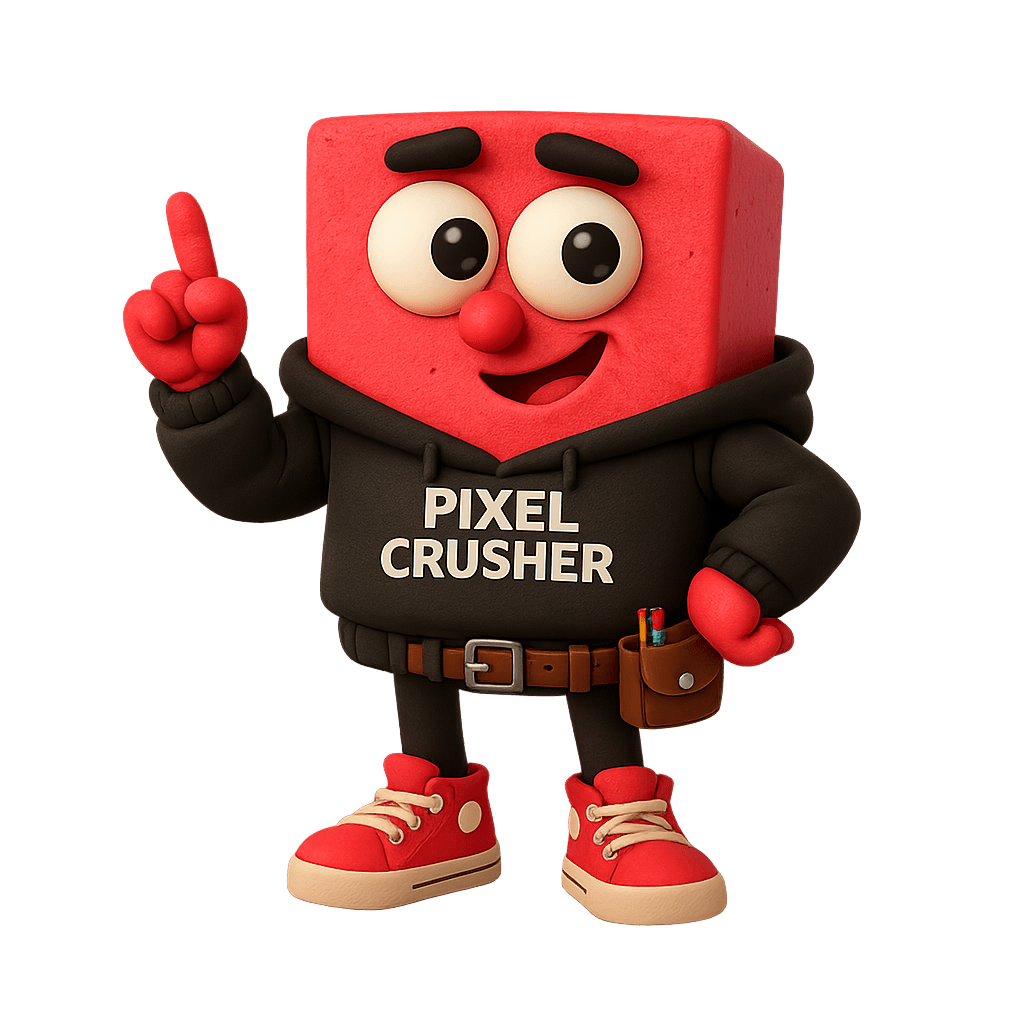
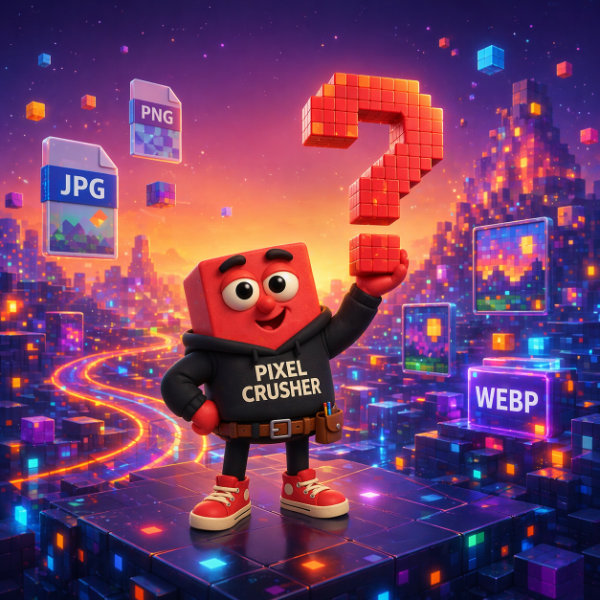
Pixel Pete — The Pixel Crusher
Pixel Pete is the cheerful Pixel Crusher who loves turning bulky images into fast, lightweight files without losing quality. Born in the heart of Pixel World, he keeps websites speedy, tidy, and looking sharp.
Friendly, clever, and always ready to help, Pete spends his days squeezing pixels, polishing images, and giving thumbs up to every well-optimised upload.
Why choose our free WebP converter?
From the blog
Web performance tips, image optimisation guides, and best practices.
Which WebP Image Converter Offers the Highest Quality Output for Professional Photography?
Not all WebP converters are created equal. For professional photography, quality preservation matters more than file size alone. Here is what separates a great WebP converter from a mediocre one — and how WEBP Converter balances fidelity and compression.
How Do I Convert a JPG File to WebP Format Without Losing Quality?
Converting JPG to WebP does not have to mean a visible drop in quality. Here is the quick, reliable way to do it — and the one setting that decides whether your image stays sharp.
Core Web Vitals Explained: A Practical Guide for 2026
LCP, INP, and CLS are the three metrics Google uses to judge your page experience. Here is what each one measures, the thresholds you need to hit, and how to actually improve them.
Frequently asked questions
Everything you need to know about converting images to WebP.
Our WebP converter runs entirely in your browser using HTML5 canvas. When you upload a JPG or PNG image, it's processed locally — no file is ever uploaded to a server. The tool re-encodes your image to the WebP format using intelligent quality adjustments to keep the file under 200KB while preserving visual quality.
Yes, completely free with no limits. There's no account required, no file upload caps, and no hidden fees. You can convert as many images as you want, as often as you need. The tool was built by a web designer who was frustrated by the restrictions on other converters, so it's free forever.
Absolutely. All image processing happens locally in your browser — your files never leave your device and are never uploaded to any server. This makes it 100% private and secure, which is especially important for sensitive client work or confidential images.
You can convert JPG (JPEG) and PNG images to WebP format. You can also use the reverse mode to convert WebP files back to JPG or PNG. Simply drag and drop your files or click to browse, and the tool handles the rest instantly.
Yes, our WebP converter supports batch processing. Drag and drop as many JPG or PNG files as you like — they're all processed simultaneously in parallel. You can then download each file individually or grab them all at once as a ZIP archive.
WebP provides superior compression — typically 25-35% smaller than JPG and significantly smaller than PNG — while maintaining the same visual quality. Smaller files mean faster page load times, better Core Web Vitals scores, improved SEO rankings, and a better experience for your visitors. All modern browsers support WebP.

cope.sounds
Chill mixes for designers who work late — deep house, chillstep, and ambient focus playlists to soundtrack your next batch conversion.